
Skip to content

A Free Text Match Cut Alternative to NexurMedia & Zlabz

Need a single text match cut rather than a full editing suite? Compare the workflow, scope, and output before choosing a tool.

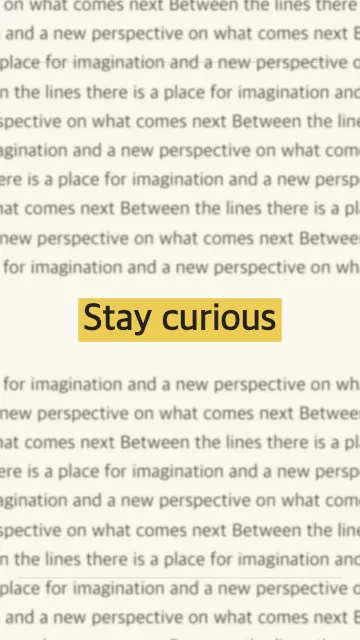
Text Match Cut Paper-style animation with a stable word and changing printed layouts

The short version

NexurMedia and Zlabz are names people may encounter while looking for broader video-editing workflows. Text Match Cut focuses on one job: keep a word or short phrase visually anchored while the surrounding layout changes. It is useful when the text match cut is the clip you need, not one effect among many.

Tool capabilities, prices, and export conditions change. Verify current details on each provider’s official site before making a purchasing decision; this page compares the shape of the workflow rather than promising that another product has a particular plan or feature.

Compare the task before choosing

QuestionText Match CutBroader editing tools
Primary taskCreate a fixed-word text match cut with changing layouts.May cover timelines, multiple tracks, captions, trimming, and a wider range of effects.
SetupOpen the public generator, enter text, choose the anchor, and preview.Workflow depends on the provider and the specific editor or plan.
OutputA finished video file in a format supported by the selected export path.May offer a rendered file, editable project, or both depending on the product.
Best fitA short hook or transition where one word needs to remain easy to follow.A project that needs many editing operations in the same workspace.

Compare the actual preview and exported file against your requirements. Do not rely on a feature list alone if aspect ratio, editability, watermarking, or export limits matter to the project.

When a full editor is the better choice

If you need multi-track timelines, detailed audio editing, captions, footage trimming, or several effects in one project, a full editor is likely the better fit. Text Match Cut does not aim to replace that workflow.

Choose a focused generator when the fixed-word transition is the main task and you want to make the clip quickly, then bring the finished file into the editor you already use.

Create the clip in three steps

  1. Enter the phrase. Keep the focal word short enough to read at phone size.
  2. Choose the look and pacing. Select a style and aspect ratio, then preview the movement.
  3. Export and inspect. Download the finished clip and confirm it plays correctly before adding it to a longer edit.

For detailed settings, see how to make a text match cut. For the newspaper look, read the newspaper text animation guide.

Text match cut alternatives FAQ

Try the focused workflow

Make a fixed-word clip first, then bring it into your preferred editor if you need more editing tools.